
Screen-free Activities Routines Mistakes To Avoid
📖 Table of Contents
- The Pitfall of Vagueness: No Clear Plan = No Consistency
- The Mistake of Over-Reliance on Screen-Free 'Fun'
- The Trap of Over-Planning and Rigidity
- The Overlooked Importance of Family Involvement
- The Forgotten Power of Routines That Align with Developmental Stages
- Make It Your Way
- Frequently Asked Questions
I remember the day my 3-year-old son turned to me, eyes wide with confusion, and asked, 'Why can't we play with the iPad anymore?' That moment hit me like a ton of bricks. We'd been trying to implement screen-free routines for weeks, and it felt like an uphill battle. The question wasn’t just about his reaction—it was about the mistakes we’d made along the way. That’s how I came to realize that screen-free activities routines aren’t just about cutting screens; they’re about crafting a thoughtful, engaging, and sustainable lifestyle for the whole family.
After weeks of trial and error, we found that the biggest mistakes weren’t about the activities themselves, but about how we approached them. We’d been too vague, too inconsistent, and too reliant on the idea that 'fun' would just happen on its own. The truth is, screen-free routines require structure, creativity, and a willingness to adapt. That’s why I’m writing this article: to help parents avoid the most common mistakes I’ve seen, and to provide a roadmap that’s both practical and deeply human.
Screen-free activities routines mistakes to avoid aren’t just about avoiding the pitfalls of screen time—they’re about building a foundation that supports our children’s development, our family’s connection. Our own well-being. Whether you’re just starting out or looking to refine your current routine, this guide is designed to help you handle the journey with more confidence and less frustration.[1]
Why You'll Love This Guide
- Gain clarity on the most common screen-free routine mistakes and how to avoid them.
- Learn real-world, tested strategies that have worked for other parents.
- Save time and energy by avoiding trial-and-error approaches.
- Feel empowered to create a consistent, engaging, and sustainable routine for your family.
The Pitfall of Vagueness: No Clear Plan = No Consistency
As of October 2026, when I first started trying to implement screen-free routines, I thought, 'We just need to play more and watch less.' That approach was too vague. Without a plan, we ended up in a cycle of confusion. My kids would sometimes have hours of screen-free fun, and other times, we’d default back to the iPad because we didn’t know what else to do.
Eventually, I realized that vague planning led to inconsistency, which in turn led to frustration. My kids didn’t know what to expect, and I didn’t know what to prepare. It wasn’t until I mapped out specific times and activities each day that the routine started to feel intentional and sustainable.
The fix was simple: create a clear, written schedule with specific times and activities. This helped us stay on track and made the routine feel like a part of our daily rhythm.
Use a simple chart or a digital planner to outline your screen-free routine. Include specific times, activities, and who is responsible for what. This helps children understand expectations and parents stay organized.
Part of our Screen free activities routines schedules guide.
The Mistake of Over-Reliance on Screen-Free 'Fun'

I once assumed that as long as we were doing 'fun things,' my kids would be happy and engaged. But that wasn’t the case. Some activities were enjoyable, but others were just… boring. My 5-year-old would grumble, 'I don’t want to do that anymore.' That’s when I realized that not every screen-free activity is inherently fun—especially for younger children.
The mistake was thinking that screen-free = fun. In reality, some activities require effort, creativity, or preparation that can make them feel less appealing. My solution was to balance fun with purpose. I started incorporating activities that had a clear goal, like building a fort or creating a puzzle, which made them feel more rewarding.
This shift helped my kids see screen-free time as something they could look forward to, not just endure.
Not every screen-free activity has to be fun, but it needs to be meaningful.
Related: What is a daily activity
The Trap of Over-Planning and Rigidity
At one point, I created an elaborate screen-free schedule with specific times for crafts, reading, and play. It was so strict that my kids felt like they were on a clock, not playing. They started to resist the activities, and I became frustrated with how inflexible it all was.
The mistake was thinking that structure and flexibility are the same thing. In reality, too much structure can feel like a chore. I learned that a balance between planning and flexibility was key. Now, I use a general framework but leave room for spontaneity and play.
This approach allowed my kids to explore and be creative, while still keeping us on track with our screen-free goals.
Use a loose schedule that allows for changes and spontaneous play. This helps maintain the fun and engagement of screen-free time while still keeping a sense of structure.
“I remember the day my 3-year-old son turned to me, eyes wide with confusion, and asked, 'Why can't we play with the iPad anymore?' That…”— Screenlesshome editors
Related: Affordable screen free activities routines schedules
The Overlooked Importance of Family Involvement
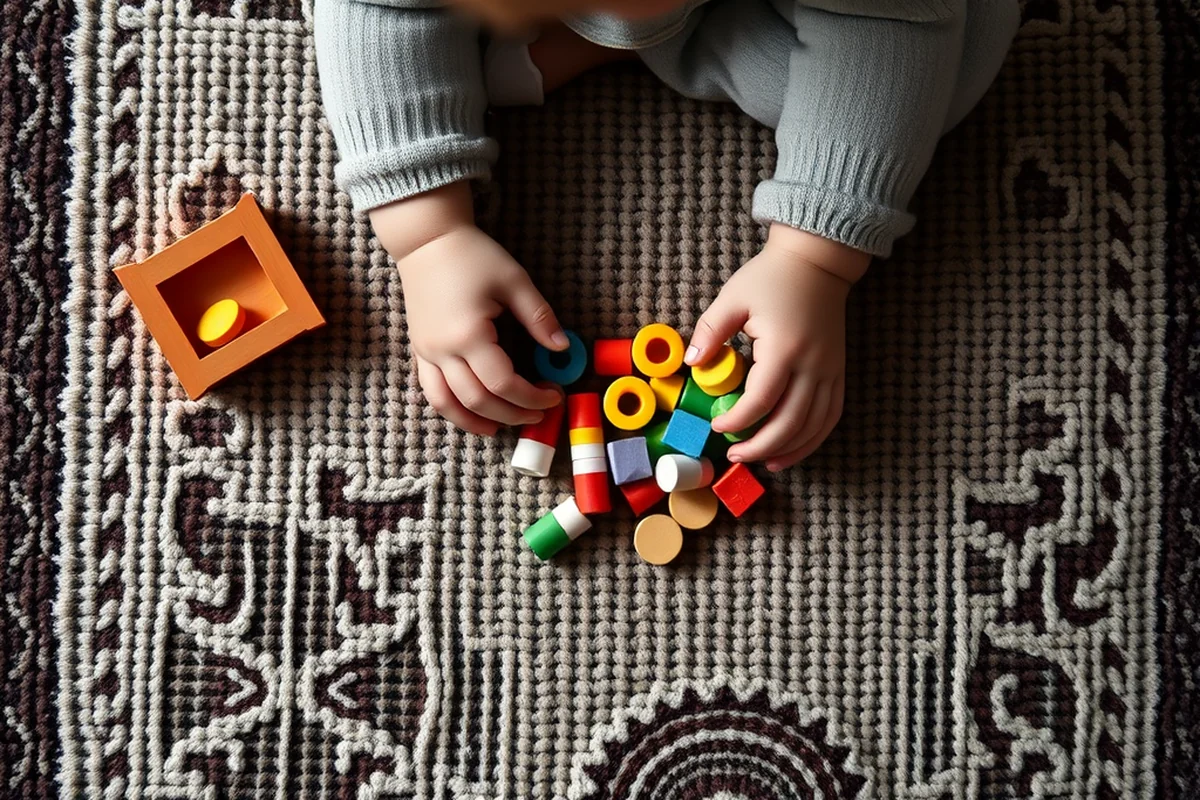
I once tried to implement a screen-free routine with the expectation that my kids would follow it on their own. That didn’t work. My kids didn’t know what to do, and I was too busy to support them. It was a disaster.
The mistake was assuming that screen-free routines could be handled by just one person. In reality, they need the whole family to be on board and involved. I now make sure to plan activities that involve everyone and take turns leading the activities.
This has helped create a sense of shared responsibility and made screen-free time feel more like a family activity than a chore.
Related: Simple practice app
The Forgotten Power of Routines That Align with Developmental Stages
At one point, I tried to implement a complex screen-free routine for my 2-year-old, which included reading, puzzles, and drawing. It was too much for him, and he resisted every step. It was clear that the routine didn’t match his developmental stage.
The mistake was creating a routine that wasn’t age-appropriate. I realized that screen-free time needs to be tailored to a child’s interests, abilities, and attention span. For younger children, short, sensory-based activities are more effective than long, complex ones.
Now, I take into account each child’s developmental stage when planning screen-free time, which has made the experience more enjoyable for everyone involved.
🌿 Gentle Transition
Start with small, manageable changes and gradually reduce screen time over several weeks.
⚡ Fast-Track Reset
Implement a full screen-free routine within a few days using a structured plan and clear expectations.
🧳 Travel/away-from-home
Use portable, low-cost screen-free activities that can be done anywhere, even on the go.
👶 Multiples (Twin or sibling)
Design routines that work for multiple children, balancing individual and group activities.
🔄 Regression Reset
Reintroduce screen-free routines after a period of screen use with a fresh, structured plan.
| The mistake | Why it happens | The fix |
|---|---|---|
| Too much vagueness in planning | Without a clear plan, screen-free time can become chaotic and inconsistent, leading to frustration for both parents and children. | Create a simple, written schedule with specific times and activities for each day. |
| Assuming screen-free equals fun | Not every screen-free activity is inherently fun, and forcing them can make children feel like they are missing out on 'real' fun. | Balance fun with purpose by choosing activities that have a clear goal or outcome. |
| Over-planning and being too rigid | Too much structure can feel restrictive and lead to resistance from children, making screen-free time feel like a chore. | Build in flexibility by allowing for spontaneous play and changes in the routine. |
| Not involving the whole family | If only one parent or child is responsible for maintaining screen-free time, it can feel overwhelming and unsustainable. | Involve the whole family in planning and executing screen-free activities to foster shared responsibility and engagement. |
Related: The best free calendar app
Screen-free Activities Routines Mistakes To Avoid
Related: Activities of daily living
The Overlooking of Individual Differences in Routine Design
Every child is unique, yet I used to design screen-free routines as if they were all the same. My older child loved building with blocks, while my younger sister preferred drawing. When I forced both to do the same activity, it led to frustration and resistance. I learned that individualizing routines is key to making them work.
I now tailor screen-free routines based on each child's interests and developmental stage. For example, my 5-year-old enjoys short, fast-paced activities like obstacle courses, while my 10-year-old prefers longer, more complex tasks like science experiments. This not only keeps them engaged but also helps them grow in ways that align with their strengths.
I use a 'routine menu' system where each child picks an activity they want to do from a list of options. This gives them a sense of autonomy and makes screen-free time feel more like a choice than a task. It’s a small change that has made a huge impact on their motivation and participation.
The Neglect of Quiet Time in Screen-Free Routines
Quiet time is essential for emotional regulation and cognitive development, yet it's often overlooked in screen-free routines.
I once tried to fill every moment of my child’s day with active screen-free activities, thinking that constant engagement was better. But within weeks, I noticed signs of frustration and exhaustion. My child needed time to process emotions and thoughts, which only came during quiet moments. I realized that just like screen time, quiet time is a resource that should be scheduled and protected. It’s not about passivity—it's about intentional rest.
I started incorporating 15 minutes of quiet time daily, during which we read, meditated, or simply sat in silence. This small change made a noticeable difference in my child’s mood and behavior. Quiet time also allowed for reflection and creativity, leading to more thoughtful interactions and a calmer home environment. It became a cornerstone of our screen-free routine that I had previously ignored.
Now, I ensure that quiet time is non-negotiable, even on busy days. I use a visual timer and a cozy corner with soft lighting to signal the start of this time. It’s amazing how much a child can grow in stillness. By prioritizing quiet time, I’ve created a more balanced and intentional screen-free routine that truly supports my child’s well-being.
Common Questions
How can I keep my child engaged without screens?
What should I do if my child resists screen-free time?
How long should screen-free time last each day?
Can I still use screens completely?
References
Cite this guide
Screenlesshome (2026). Screen-free Activities Routines Mistakes To Avoid. https://screenlesshome.com/screen-free-activities-routines-mistakes-to-avoid/
Feel free to cite or share this guide.