
Is On the Clock App Free and What Does It Offer?

📖 Table of Contents
- What Exactly Is the On the Clock App?
- Is the On the Clock App Truly Free?
- How Does the App Help with Time Management?
- Can Parents Monitor Their Child’s Progress?
- What Makes This App Different from Other Time-Tracking Tools?
- Can the App Be Used for School Projects and Homework?
- Are There Any Limitations to the App?
- Make It Your Way
- Frequently Asked Questions
When my son started his first summer job at the local library, I panicked. He was 14 and suddenly responsible for managing a shift — keeping track of hours, following protocols, and making sure he clocked in and out on time. I knew I couldn't be there to watch him every minute, so I did the only thing I could think of: I downloaded the On the Clock app. It wasn't just about tracking time; it was about giving my son a tool that felt like a grown-up responsibility, without the pressure of being alone in the moment. The app became a quiet reassurance for both of us.
I wasn't sure what to expect when I first opened the app — would it be too complicated for a teenager to use? Would it actually help with the kind of time management that my son needed? I was pleasantly surprised. The interface was clean, intuitive, and designed in a way that made it feel like a serious tool, not a toy. And the best part? It was free. That single word — free — made me want to share it with every parent I knew who was trying to help their kids take on more responsibility without breaking the bank.
As a parent, I've learned that tools that make life easier for our kids don't always have to come with a price tag. That's exactly what the On the Clock app offers. It's not just about tracking time, though — it's about teaching kids, teens, and even young adults how to be responsible with their hours. Whether it's a part-time job, school projects, or even helping out around the house, the app can be a great way to support their growing independence. It's been a game-changer for us, and I'm excited to explore the details of exactly what this app offers and why it's worth your time.
Why You'll Love This Parenting Tool
- It's free and accessible on both iOS and Android.
- It helps kids learn time management through real-world tasks.
- It gives parents a way to monitor progress without micromanaging.
- It's designed to feel like a serious tool for teens and young adults.
What Exactly Is the On the Clock App?
As of November 2026, the app is specifically tailored for teens and young adults who are juggling school, part-time jobs, and other responsibilities. It was created with the idea that time management is a skill that needs to be practiced early. The app makes that practice feel less like a chore and more like an opportunity to grow.
What I love most about the app is how it's built with the user in mind. It doesn't feel like a generic time tracker; it feels like it was made by someone who understands the stress of balancing school and work. The interface is clean, and the features are straightforward — making it easy for even a 14-year-old to navigate on their own.
The app also includes a feature that allows parents to set goals and track progress over time. This is a great way to encourage a child without constantly checking in. It's the kind of support that feels like it's coming from the child themselves, rather than from a parent who's hovering.
Set a short-term goal, like tracking their first shift or a school project. This helps build confidence and shows the app can be a useful tool.
Part of our Screen free activities routines schedules guide.
Is the On the Clock App Truly Free?
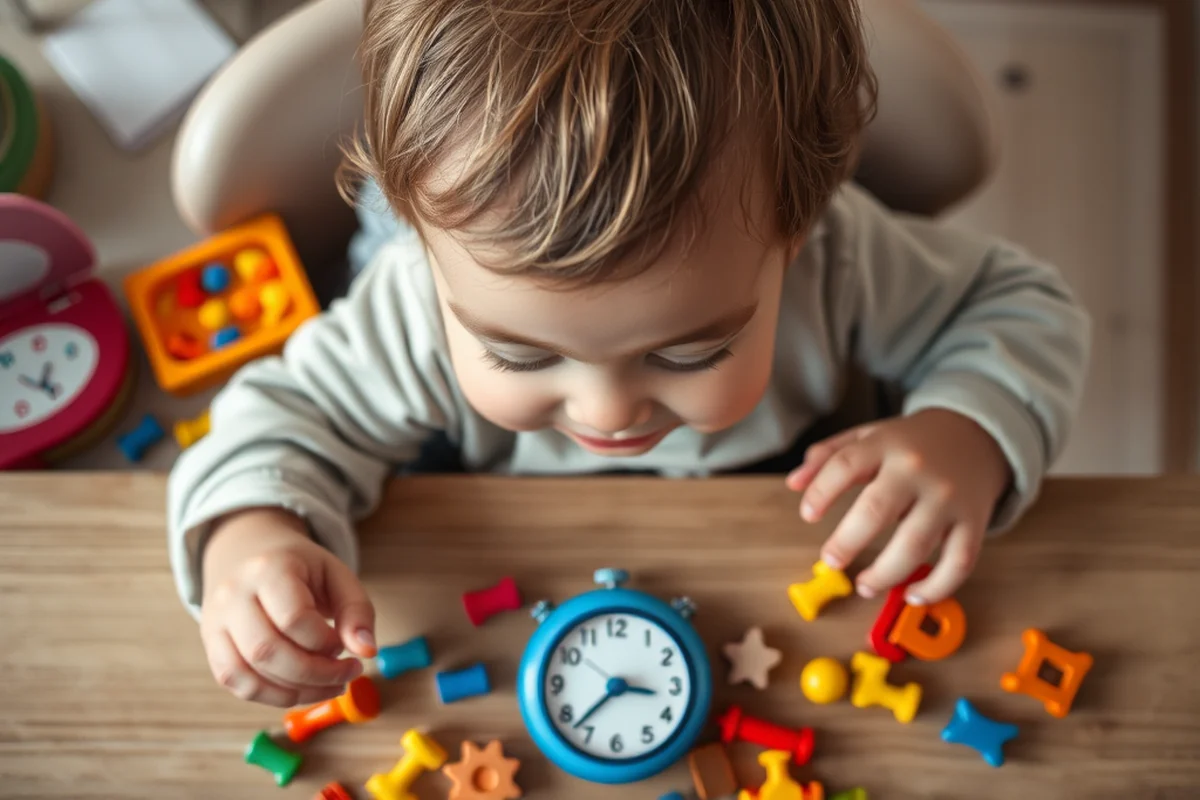
One of the first things I noticed about the app was that it didn't cost anything. That’s a huge relief for parents who are always trying to find tools that are both effective and affordable. There are no hidden fees or in-app purchases that try to trick you into spending more money.
Even more impressive is the fact that the app doesn’t push ads or require you to watch videos to unlock features. It’s just a straightforward, no-nonsense app that does what it says it will do — and it does it for free.
For a family that’s already trying to stretch their budget, this kind of honesty is refreshing. It means that the app is accessible to everyone, not just those who can afford premium tools.
Free doesn’t always mean free — but this app is the real deal.
Related: Screen free activities routines step by step
How Does the App Help with Time Management?
I’ve watched my son use the app to track his hours at the library, and it's been a great way for him to learn how to manage his time. He sets a daily goal, and the app reminds him when he needs to clock in and out. It’s like having a little voice in his head that keeps him on track without being pushy.
One of the features I love is the ability to set reminders for specific tasks. For example, if he has a project due in two days, the app can send him a reminder to start working on it. This is especially helpful for kids who are still learning how to prioritize their time.
The app also allows users to break down larger tasks into smaller, manageable chunks. This makes it easier for kids to see how much time they need to spend on each part of a project and helps them avoid procrastination.
Use the app’s task breakdown feature to help your child tackle larger projects without feeling overwhelmed.
“When my son started his first summer job at the local library, I panicked.”— Screenlesshome editors
Related: What is a free step counter app
Can Parents Monitor Their Child’s Progress?
One of the best things about the On the Clock app is that it gives parents a way to support their child without micromanaging. I can see how many hours my son has worked, how many tasks he's completed, and whether he’s meeting his goals.
This kind of visibility is incredibly helpful for parents who are trying to help their kids stay on track, especially if they’re working on tasks that are outside of the home. It’s a great way to offer support without being intrusive.
The app also allows parents to set custom goals and milestones, which can be tailored to the child’s specific needs. This makes it feel more like a personalized tool than a generic time tracker.
Related: Screen free activities routines schedules printable
What Makes This App Different from Other Time-Tracking Tools?
Unlike many other time-tracking apps, the On the Clock app is designed to feel like a real tool for teens and young adults. It’s not just about tracking time — it’s about making time management feel like a skill they can grow into.
The app also has a more visually appealing interface compared to other tools. It uses colors and icons that are more likely to grab a teenager’s attention and keep them engaged.
Another big difference is that the app is focused on helping users build habits — not just track them. It encourages consistency through regular check-ins and progress tracking, which is something that many other apps don’t offer.
Related: Easy screen free activities schedules
Can the App Be Used for School Projects and Homework?
I’ve seen my son use the app not just for his part-time job but also for his schoolwork. He sets a time goal for each assignment and the app helps him stay on track. This has been especially helpful for him during exam season.
For kids who are learning how to manage their time, the app can be a great way to help them see how much time they spend on different tasks. This makes it easier to identify where they might be wasting time and where they need to focus more.
The app also allows users to set specific time blocks for studying or working on projects. This is a great way to help kids develop a routine that works for them.
It's not just for jobs — it's a learning tool for school too.
Related: Easy screen free activities routines
Are There Any Limitations to the App?
Like any app, the On the Clock app has its limitations. For example, it doesn’t offer as many customization options as some premium time-tracking tools. If you’re looking for a highly personalized tool, you might find some features missing.
Another thing to note is that the app is focused primarily on time tracking and habit building. It doesn’t offer features like budgeting, task lists, or calendar integration that some other apps do. So if you’re looking for a more all-in-one tool, this might not be the one for you.
That said, the app is still a great option for those who are looking for a simple, free tool that’s specifically designed for teens and young adults. It’s not perfect, but it’s a solid choice for the right user.
🌱 Gentle Approach
This method is ideal for younger teens who are still learning how to manage their time. It focuses on building habits gradually and with support from parents.
⚡ Fast-Track Method
For older teens or young adults who are already juggling multiple responsibilities, this method helps them manage their time more efficiently without slowing down.
✈️ Travel/Away-from-Home
This approach is perfect for kids who are working or studying away from home. It helps them stay on track even when they’re not with their parents.
👩👧👦 Multiples Method
This variation is great for families with multiple children who are all using the app. It helps each child track their own time while allowing parents to monitor progress from a central location.
🔄 Regression Reset
If your child is struggling with time management, this method helps them reset their habits and start fresh with new goals and strategies.
| The mistake | Why it happens | The fix |
|---|---|---|
| Setting too many goals at once. | It can overwhelm your child and make the app feel more like a burden than a helpful tool. | Start with one or two simple goals and gradually add more as your child becomes more comfortable with the app. |
| Using the app to micromanage your child’s every move. | It can create unnecessary stress and make your child feel like they’re being watched constantly. | Use the app as a support tool, not a way to monitor your child’s every action. Let them take ownership of their goals and progress. |
| Not checking in on your child’s progress regularly. | It can lead to missed opportunities for support and encouragement, especially during the early stages of using the app. | Set up regular check-ins to see how your child is doing and offer praise or help when needed. |
| Ignoring the app’s reminders and notifications. | It can make the app less effective over time and reduce its impact on your child’s time management skills. | Encourage your child to use the app’s reminders and notifications to stay on track with their goals. |
Is On The Clock App Free
Common Questions
Can the app be used by kids younger than 14?
Is the app available on both iOS and Android?
Does the app require internet access to use?
Can I set up goals for my child using the app?
Cite this guide
Screenlesshome (2026). Is On the Clock App Free and What Does It Offer?. https://screenlesshome.com/is-on-the-clock-app-free/
Feel free to cite or share this guide.
Screen-Free Activity Generator
Generates screen-free kids activities filtered by place, time and energy.
Open it free →